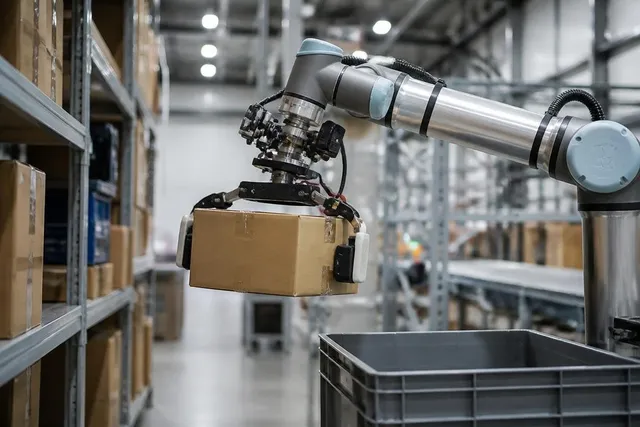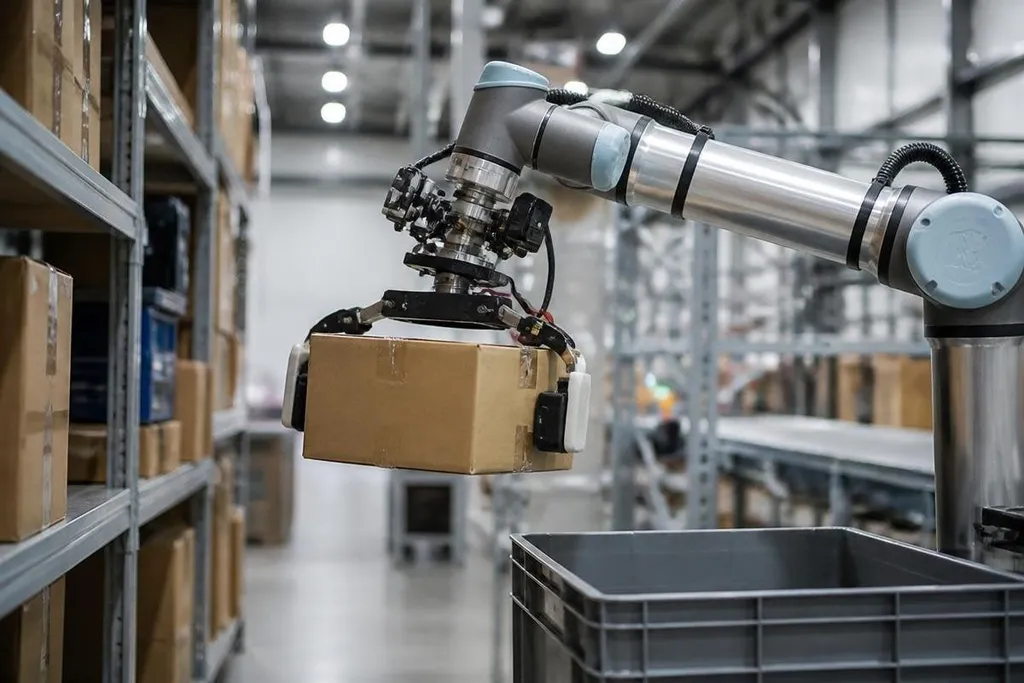
A robotic arm can reach a shelf, but the gripper still has to know how hard to hold a box, when an object is slipping, and where contact begins. Newer grippers use cameras, force sensors, and touch sensors to make those decisions during a task.
- Vision helps the gripper find an object and estimate its position.
- Force and touch readings help it hold fragile or uneven items.
- Software can change the grip when an object moves or slips.
The gripper now senses more than position
Older systems often moved to a fixed point and closed their fingers for a set distance. That works when every item has the same size and shape. It breaks down when a box shifts, a bag folds, or a part arrives in a different position.
A camera gives the robot a view of the object before contact. Force sensors then measure pressure at the fingers or wrist. Tactile sensors add local information, such as where the object touches the gripping surface.
Those signals help the robot separate contact from collision. They also let the controller reduce force when the object is light or fragile. A gripper that can feel rising pressure has a better chance of holding a glass part without crushing it.
Software changes the grip during the task
The hardware matters, but software decides how to react. A controller can compare the planned grip with live sensor readings, then adjust finger position, motor torque, or closing speed.
Slip detection is one useful example. If the sensors detect a change in vibration or pressure, the robot can close the fingers slightly or change their position. It can also stop when the object moves outside a safe range.
This process is often called closed-loop control. The robot acts, checks the result, and acts again. An open-loop gripper follows its command without checking what happened after the fingers move.
The same approach helps with unknown objects. A system may begin with a light grip, inspect the sensor readings, and add force only when the object needs more support. That reduces damage and cuts the need to program a separate grip for every part.
Smarter does not mean ready for every job
Sensors create new limits. Cameras can struggle with glare, clear plastic, poor lighting, or objects hidden behind other items. Touch sensors can wear out, collect dirt, or give poor readings when the finger material changes.
Software also needs useful training data and careful setup. A model that identifies a metal part on a clean workbench may behave differently around dust, mixed packaging, or a moving conveyor.
The robot still needs safe speeds, force limits, and a way to stop when its readings make no sense. Gripper makers also face a hardware tradeoff.
More sensors can give better feedback, but they add cost, wiring, processing needs, and more parts that can fail. A simple two-finger gripper may remain the better choice for a repeatable task with one known object.
That tradeoff makes the task and measured result more useful than the sensor count alone. Dated Robot 24 reports can connect a gripper claim with the robot and team behind it, giving you a record to check before deciding whether extra sensing earns its cost.
I'd call a gripper smarter only when its sensor data changes the task result, not when the product sheet lists more sensors.
A buying checklist for robotic grippers
Use these checks before choosing a gripper for an automation cell:
- Name the objects: list their weight, surface, shape, and expected variation.
- Check the feedback: confirm whether the gripper measures force, touch, position, slip, or only motor current.
- Test the failure: include glare, dust, loose packaging, misaligned parts, and an empty pick.
- Set safe limits: define the maximum force, speed, and motor temperature for the task.
- Check the software: ask how the gripper connects to the robot controller and how sensor data reaches the program.
- Plan service work: find out how fingers, pads, cables, and sensors get replaced.
The right system may need only position feedback, while a mixed-item line may need vision and tactile sensing. The useful question is which signal helps your robot recover when the object does not arrive as planned.
That answer will decide whether a smarter gripper earns its extra hardware, or whether a simpler one will do the job for less.